The cozy cat cafe sort puzzle game
Tap treats off the shelves, pop three of a kind, and turn a run-down cafe into the coziest spot in town. Adopt 12 cats along the way. Relaxing, satisfying, and playable anywhere — no Wi-Fi needed.
Download on the App Store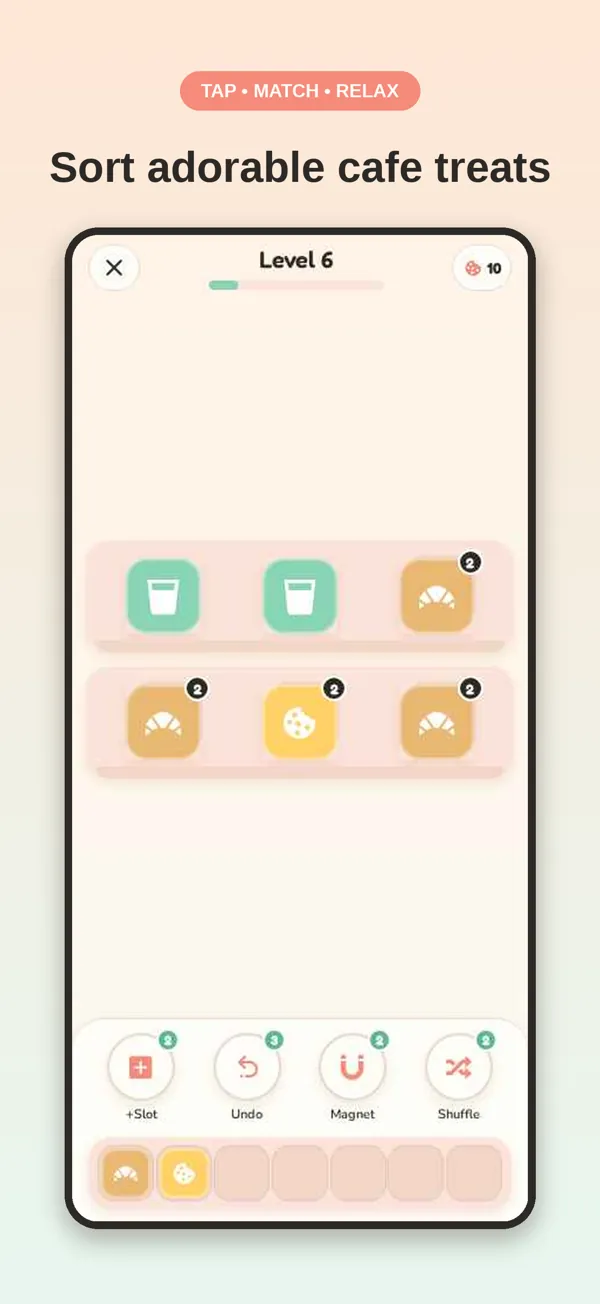
How to play a sorting puzzle game like Cafe Stack Pop
- Tap a treat. Only the front item on each shelf can move. Tap it and it lands in your tray.
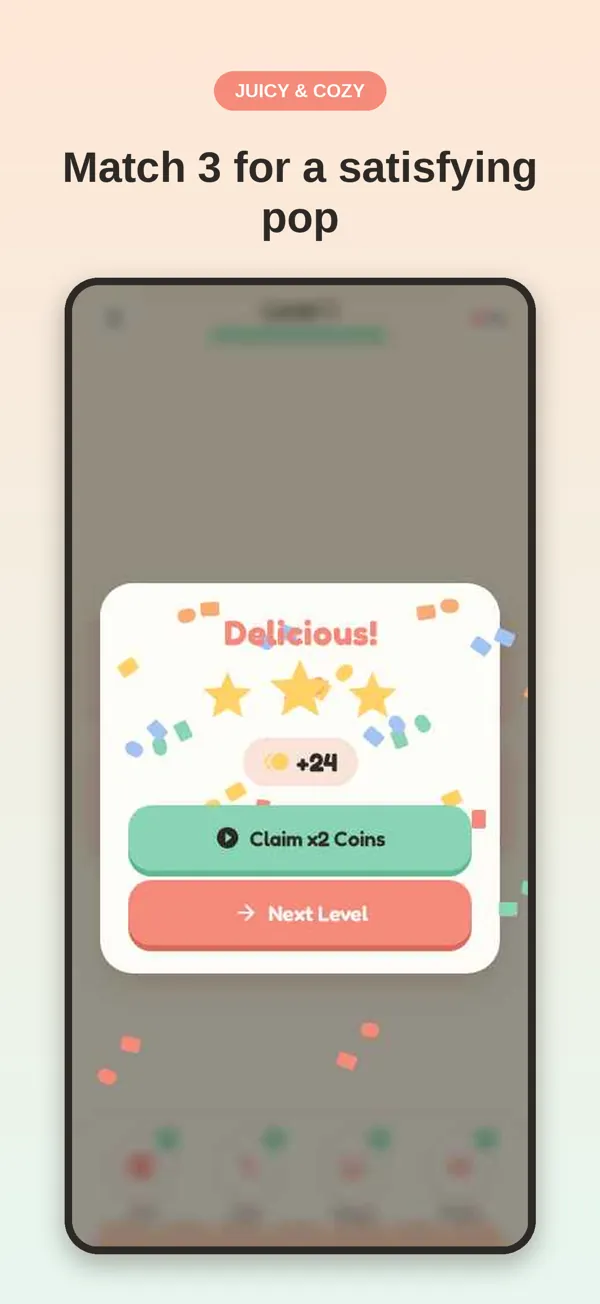
- Match three to pop. The tray groups treats by type. When three of a kind meet, they pop and free up space.
- Mind the tray. You have 7 slots. Fill them without a match and the level ends, so plan a move ahead.
- Clear the shelves. Empty every shelf to win, earn up to 3 stars, and spend them decorating your cafe.
A triple-match game with a cafe to build
120 levels, gentle curve
Starts simple and adds iced treats, mystery boxes, locked crates and conveyor shelves as you go.
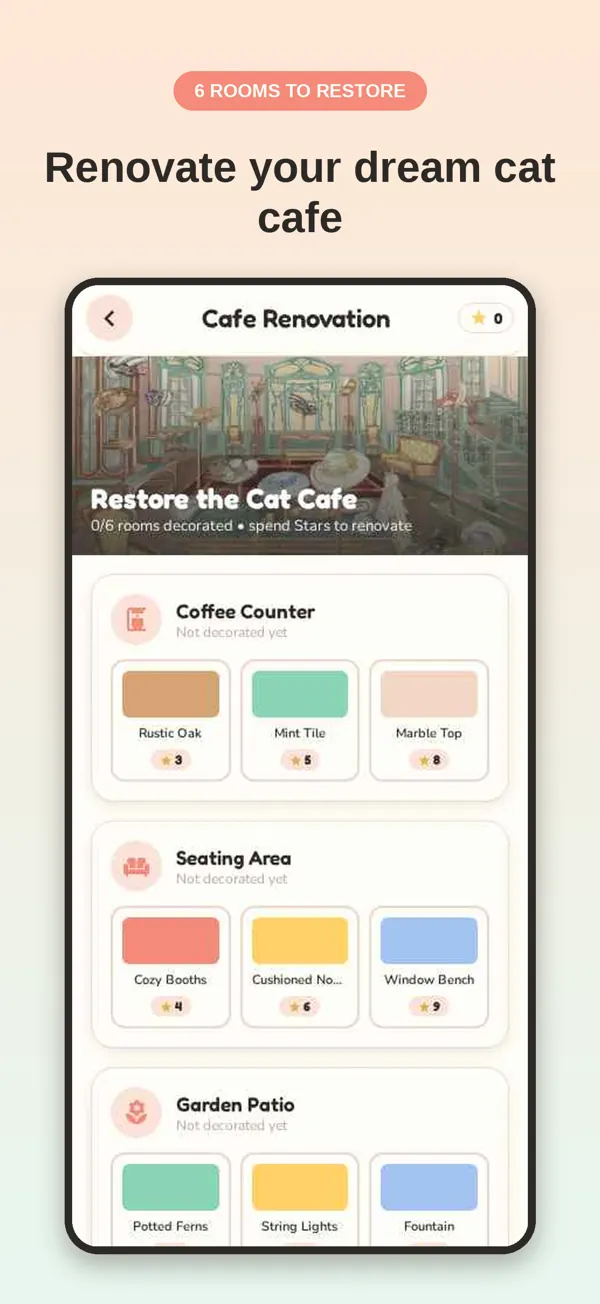
Renovate 6 rooms
Counter, seating, patio, bakery, lounge and rooftop — pick the décor you like with the stars you earn.
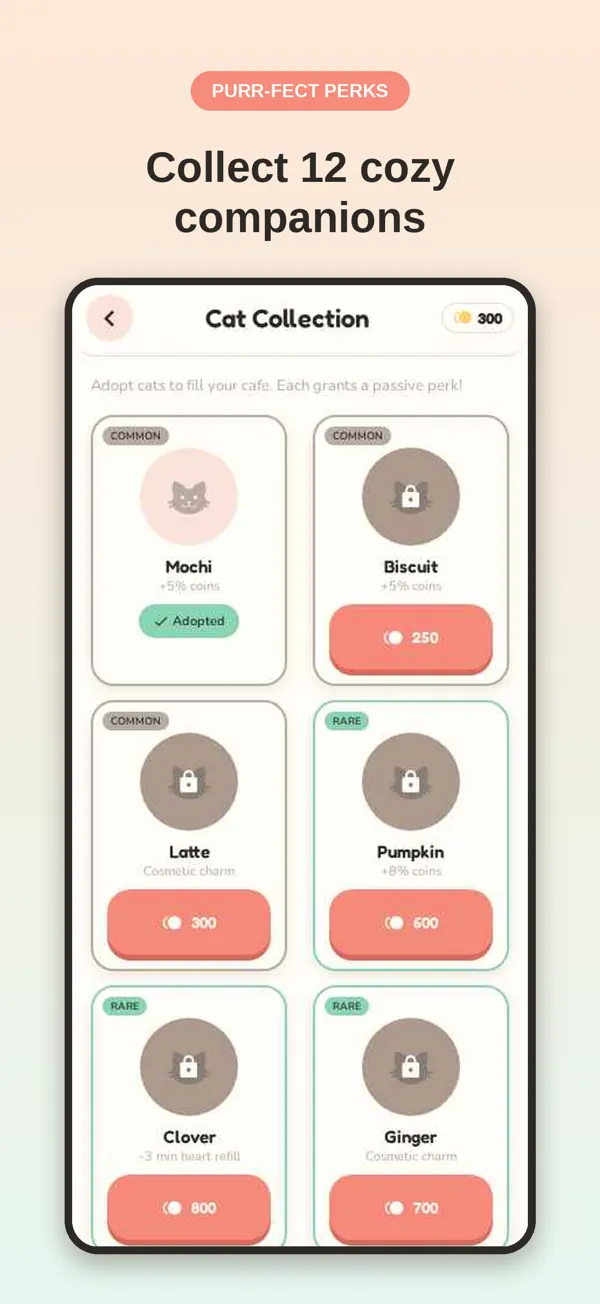
Adopt 12 cats
Each cat brings a perk, from bonus coins to faster hearts. Collect every rarity.
Something every day
Daily challenges with streak rewards, weekly tournaments and a 30-tier season pass.
Boosters when stuck
+1 slot, undo, magnet and shuffle help with the tricky boards.
Calm by design
Soft music, satisfying pops, no timers. Works fully offline, on a flight or a commute.
Screenshots
FAQ & support
- How do you play Cafe Stack Pop?
- Tap the front item on any shelf to move it into your 7-slot tray. When three matching treats meet in the tray they pop. Clear every shelf to finish the level, and keep the tray from filling up.
- Is Cafe Stack Pop free?
- Yes. All 120 levels are free to play. Optional in-app purchases add coins, boosters and a Cafe VIP subscription that removes ads and gives unlimited hearts.
- Can I play offline?
- Yes. Levels work fully offline. You only need a connection for purchases and for timed events to update.
- I bought something and didn't receive it.
- Open Settings inside the game and tap Restore Purchases. That re-checks your Apple account and re-grants anything already paid for. If it still hasn't appeared, email us with the date of the purchase.
- How do I cancel Cafe VIP?
- Subscriptions are managed by Apple, not by us. On your iPhone open Settings → your name → Subscriptions, pick Cafe Stack Pop, and tap Cancel. You keep VIP until the end of the period you've paid for.
- I lost my progress.
- Progress is stored on your device. Use Back Up Save in Settings to copy a restore code before switching phones or deleting the app. Email us before you delete anything and we'll tell you what can be recovered.
- How do I ask for a refund?
- Refunds are handled by Apple. Visit reportaproblem.apple.com and sign in with the Apple Account used for the purchase.
- Need a hand with anything else?
- Email shuhrat.soliev@gmail.com. It helps if you include your device model, iOS version, and roughly what level you were on.